Design systems
Building a design library
Overview
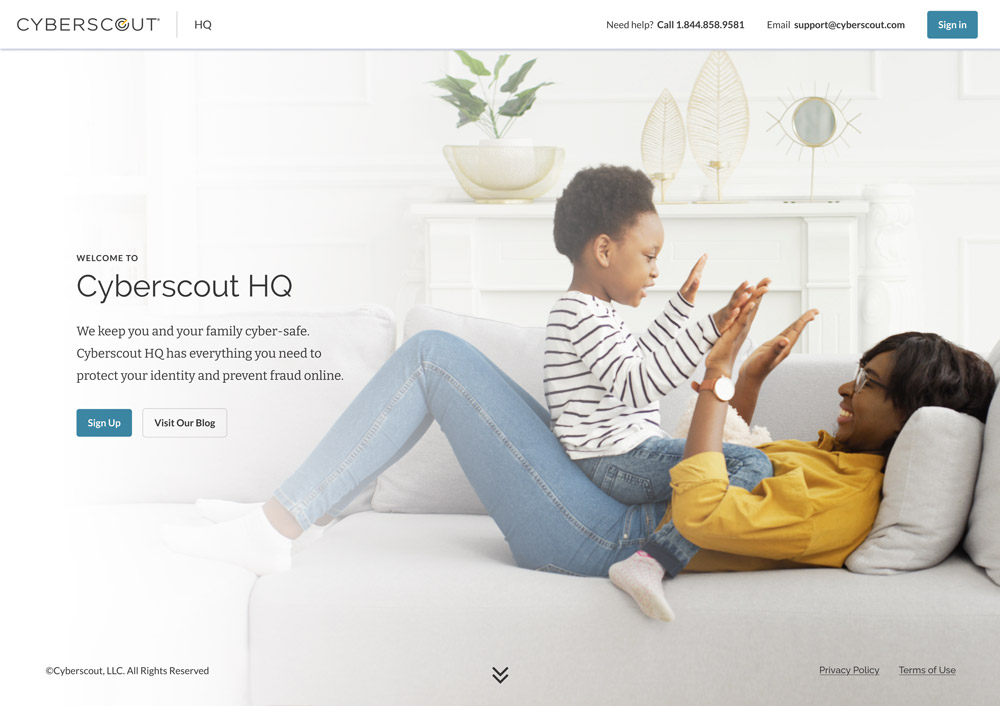
Consistency across a company's products is essential to building a brand. With multiple systems and disparate looks, we needed to consolidate Cyberscout's SaaS products to fit a new rebrand. The challenge is that some brand elements work in marketing materials but not in the product itself. So we worked with a contract company to simplify. With a new design system serving as the single source of truth, we made the programmers' lives easier in bringing a new iteration of the product to market.
Before:

Plan for all scenarios
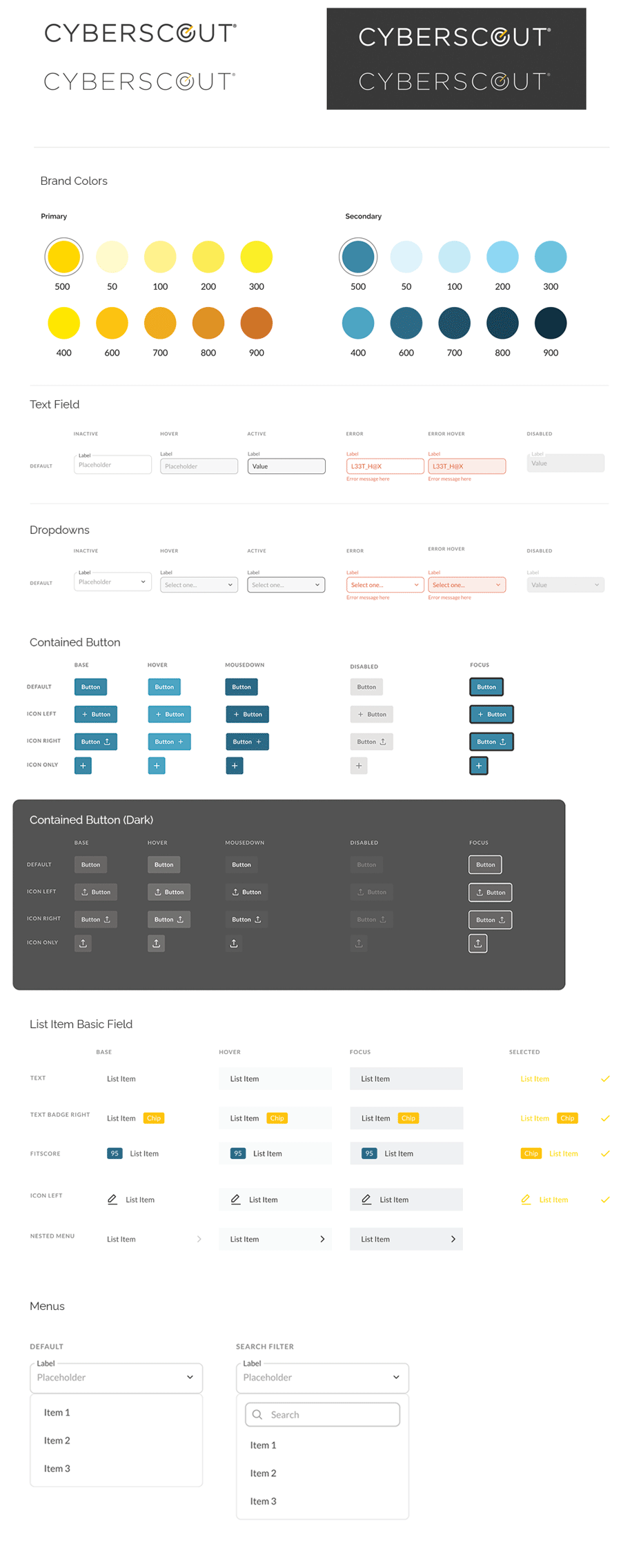
The first step is a design system that accounts for every known scenario, and some that may come down the line. Always plan for scalability and the unexpected. Here are selected elements from a larger system built to cover all products, stay consistent with the brand, and adapt to underlying white-label needs.
Simplification amid system constraints
Product improvements are often incremental, because the UX and UI team must work within the limits of a legacy system. Over time, a site can be improved to solve the unsolvable, though a complete rebuild is often necessary. Often the best step is to simplify the visuals: remove extraneous colors and use visuals that better tell the story of the product.
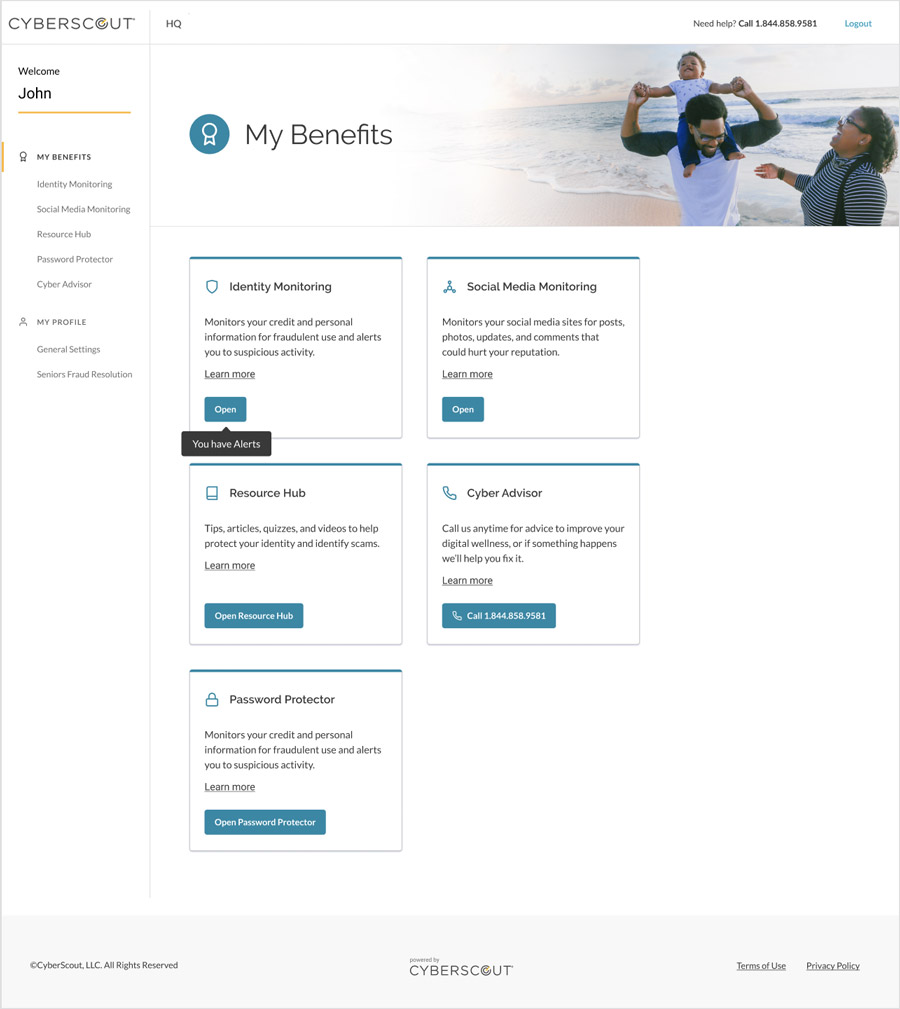
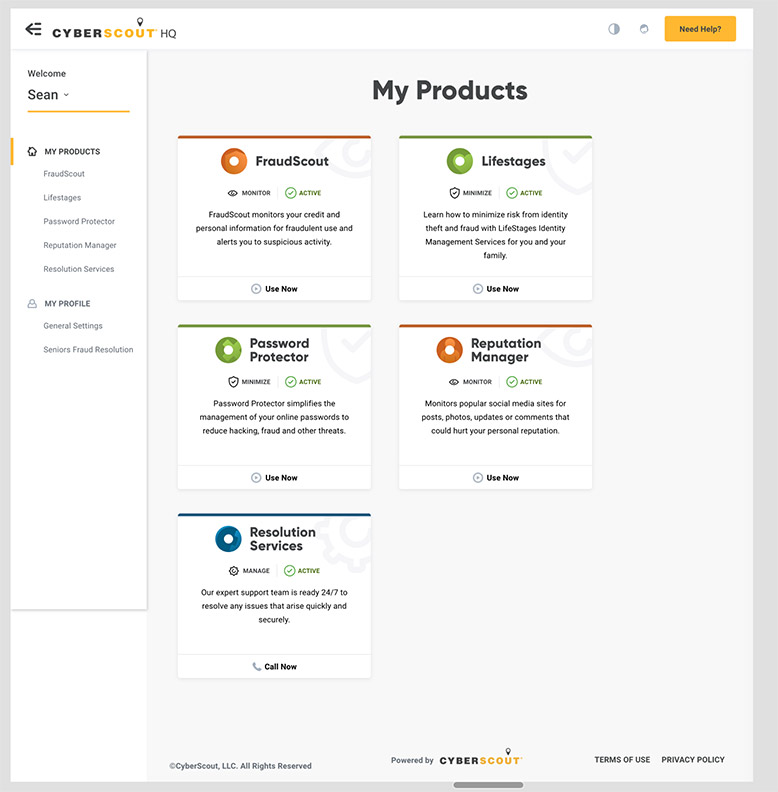
Here, we were left with several constraints in the site structure. Still, we were able to apply the new design system and a simplified color palette to remove distractions and improve usability.
Before:
After: